
Real numbers from machines that were never built to share them
Machine data acquisition is the plumbing that gets accurate, timestamped data out of production equipment — cycles, counts, states, temperatures, currents — and into a database where it is usable. It removes the whiteboard-and-guesswork layer: shift totals that do not add up, downtime reasons remembered hours later, and improvement projects that argue from anecdotes.
Willowark builds acquisition to match each machine's reality. Modern PLCs are polled over OPC UA or Ethernet/IP at rates the data deserves; legacy equipment gets Modbus, serial capture, or retrofit sensors — CT clamps for motor load, proximity switches for cycle detection, stack light taps for state. Everything lands with consistent timestamps and quality flags.
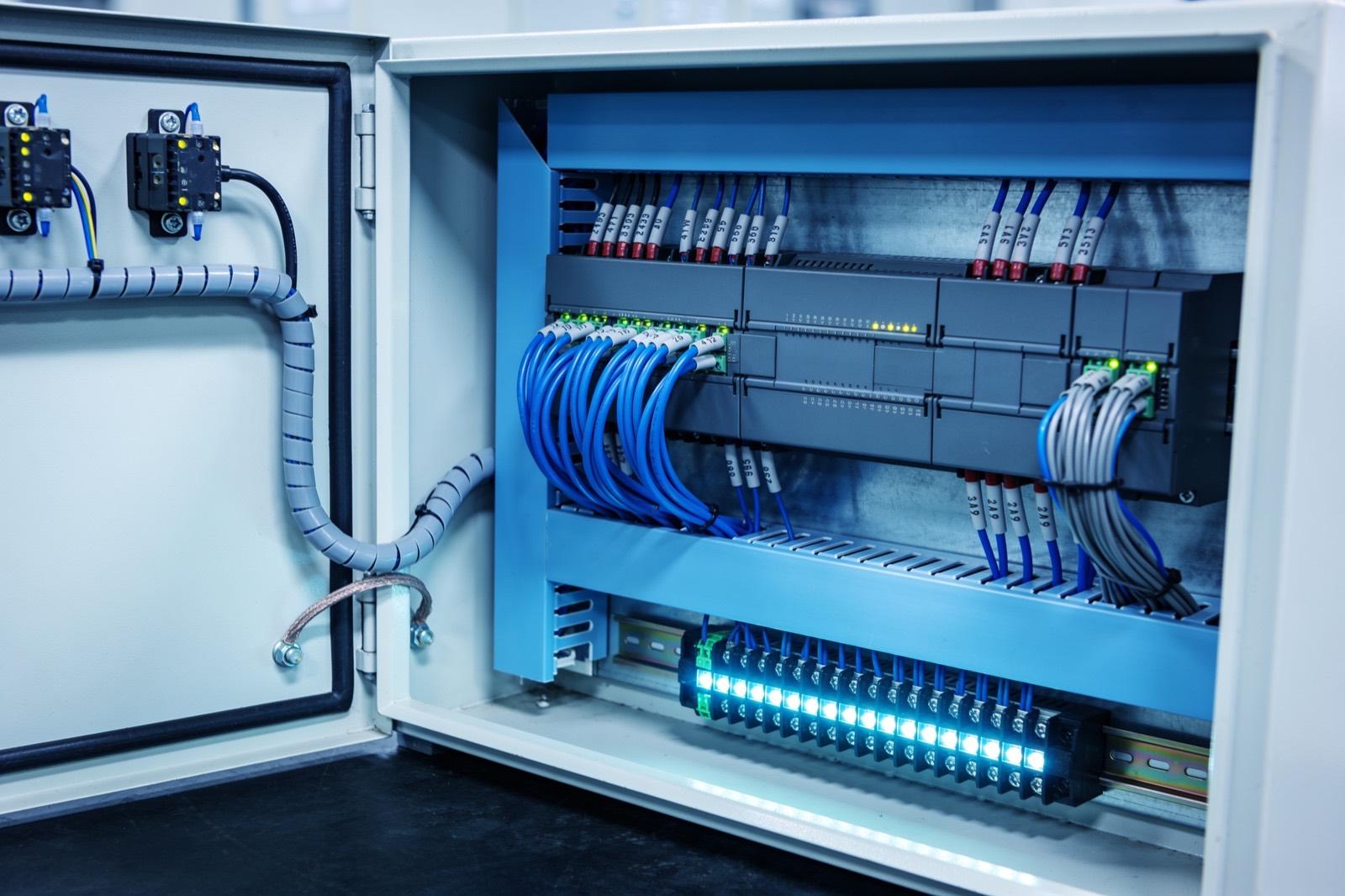 Industrial Automation
How the work gets done
The same way every time: scope, build, hand over.
The engineering details decide whether the data can be trusted. Sampling rates have to fit the signal — 100 ms for a fast cycle, once a minute for a tank temperature. Edge collectors need store-and-forward so a network drop does not leave holes. Timestamps must come from synchronized clocks, because correlating a quality event to a machine state fails when devices disagree by forty seconds. Storage is typically a historian or time-series database — InfluxDB, TimescaleDB, or a commercial historian — with retention tiers so high-resolution data ages into summaries.
Success is a dataset people stop arguing with. Counts reconcile with physical inventory, downtime is captured with start and end to the second, and when an engineer pulls last month's spindle-load trend, it is complete. From there the data feeds whatever you build next — OEE dashboards, SPC, predictive maintenance — without another wiring project.
The first deliverable is a signal list, and it is built on the floor. For each machine we record what question the data must answer — is it running, how many did it make, why did it stop, is it wearing — and then find the cheapest reliable signal that answers it. That means opening panels, reading controller nameplates, and confirming which tags actually change when the machine cycles. The signal list also states sample rate, expected range, and units per signal, so nobody is surprised later that a count tag rolls over or that a temperature arrives in tenths of a degree.
What typically goes wrong is quiet: a collector stalls and nobody notices for a week, a PLC program change renames a tag, a sensor drifts, or a clock loses sync after a power event. We design against each — heartbeat and staleness alerts on every source, tag lists under version control, calibration checks scheduled in the handover documentation, and time sync monitored like any other signal. Installation is planned around production, usually during scheduled stops, since wiring a sensor into a live panel is not worth the risk. Handover includes the signal list, wiring records, collector configuration, and a runbook for restoring a source that goes silent.
Scope it in writing
What we agree before work starts
- Machine-by-machine acquisition plan with signal list and sample rates
- Collector deployment: OPC UA, Modbus, serial, and retrofit sensors
Build with checkpoints
Working results, not slide decks
- Store-and-forward buffering with clock synchronization
- Historian or time-series database with retention tiers
Hand over something you own
Documentation, source, and training
- Data validation report reconciling captured counts against actuals
- Collector runbook with staleness alerts and source-recovery procedures
Sound familiar?
Where machine data acquisition earns its keep.
Shift reports that disagree with ERP by a few hundred parts every week
A press whose only data output is a mechanical counter someone photographs
A downtime log that says 'mechanical' for 80% of entries
An OEE initiative stalled because nobody trusts the input numbers
Ask about Machine Data Acquisition
Describe the problem. Get a straight answer.
One line is enough. An engineer replies within a business day.
Related work
Radar centering system for steel mills
Components:
- Radar sensors (strip position): Non-contact radar reading strip edge position in a hot, dusty, vibrating environment where optical sensors fail.
- Edge controller (signal processing): Turns raw radar returns into a clean lateral offset in real time.
- Mill PLC (centering actuators): The mill's existing controller: receives the offset and drives the centering actuators.
- Operator HMI (live position): Live strip position for the operator.
Connections:
- Radar sensors to Edge controller (raw returns)
- Edge controller to Mill PLC (offset)
- Edge controller to Operator HMI
A steel-mill systems provider · Steel manufacturing
Radar-based centering system for steel mills
End-to-end engineering of a radar sensing system that measures and centers material on steel mill lines — from equipment assessment through hardware selection, electrical engineering, software, installation, and commissioning.
Read the case study →Common questions
Asked before every machine data acquisition project.
How accurate does the timestamping really need to be?
Accurate enough to correlate events across machines — usually within a second, tighter for fast processes. We sync collectors with NTP or PTP and timestamp at the edge, not on arrival at the server, so network delays never shift the record of when something actually happened.
Can you get data from machines without touching their PLC programs?
Yes, and it is often the right call. Reading tags over OPC UA or Ethernet/IP requires no program changes, and retrofit sensors bypass the controller entirely. We modify PLC logic only when a needed signal genuinely does not exist yet, and then with your controls team's review.
How much historical data should we keep, and at what resolution?
Keep raw resolution for a window that covers your investigation habits — often 90 days to a year — then downsample to summaries for long-term trends. Storage is cheap but not free; retention tiers keep a decade of trend data affordable without losing the detail you actually use.
Will polling our PLCs slow them down?
At sensible rates, no. Reading tags over OPC UA or Ethernet/IP is a small load on modern controllers, and we set rates to match each signal rather than polling everything as fast as possible. On older or heavily loaded PLCs we measure scan-time impact during commissioning and back off if needed, and retrofit sensors bypass the controller entirely when a machine has no headroom to spare.
Which historian or database should we use?
It depends on what will consume the data and who will maintain it. Open time-series databases like InfluxDB or TimescaleDB fit well when your team is comfortable with software tooling and wants flexibility; commercial historians earn their cost where you need vendor support, built-in plant-floor connectors, or compliance features. We are not tied to either and will recommend against a product when it does not fit your situation.

Where this sits
Machine Data Acquisition, inside a industrial automation system.
The lit component is the part of the system this service delivers; the rest is what it has to work with.
Hover or focus a component to see what it is and what it talks to. Arrow keys move between them.
Sensors and machines report into the PLC; the PLC drives the HMI and publishes tags to a historian; the historian feeds dashboards and, where it exists, the MES.
Components:
- Machine (press, cell, line): The equipment itself. Newer machines expose tags; older ones need a sensor or a serial tap.
- Sensors (counts, temps, current): Retrofit sensors where the machine offers nothing: proximity counts, current transformers, temperature.
- PLC (control): The controller: logic, safety, and the tag table everything else reads.
- HMI (operator): Operator screen at the machine.
- Historian (tag store): Time-series store of PLC tags: uptime, counts, faults, cycle times.
- Dashboards (OEE, downtime): Plant TV and office views: OEE, downtime reasons, shift comparison.
- MES / ERP (orders): Work orders down, production counts up.
Connections:
- Sensors to PLC over 4-20mA
- Machine to PLC over EtherNet/IP
- PLC to HMI over EtherNet/IP
- PLC to Historian over OPC-UA
- Historian to Dashboards over REST
- Historian to MES / ERP over REST, both directions
Strategy. Software. Systems.
Have a system that should exist?
Tell us what your operation is doing manually, what isn't connected, or what you're trying to build. We'll tell you plainly whether and how we can help.