
Software written for the plant floor's rules, not the office's
Industrial software development builds the custom applications production actually runs on: operator interfaces, scheduling and dispatch tools, quality data systems, MES-layer functionality, and the glue between machines and business systems. It removes the gap that spreadsheets and aging Access databases currently fill — the fragile tools everyone depends on and no one dares touch.
Willowark writes industrial software with plant assumptions baked in: users wear gloves, machines do not wait for a spinner, networks blip, and the app must survive a power cut mid-transaction. We build with modern stacks — typically web technologies with local-first resilience — while respecting the constraint that a production tool must be learnable in one shift, because training time is downtime.
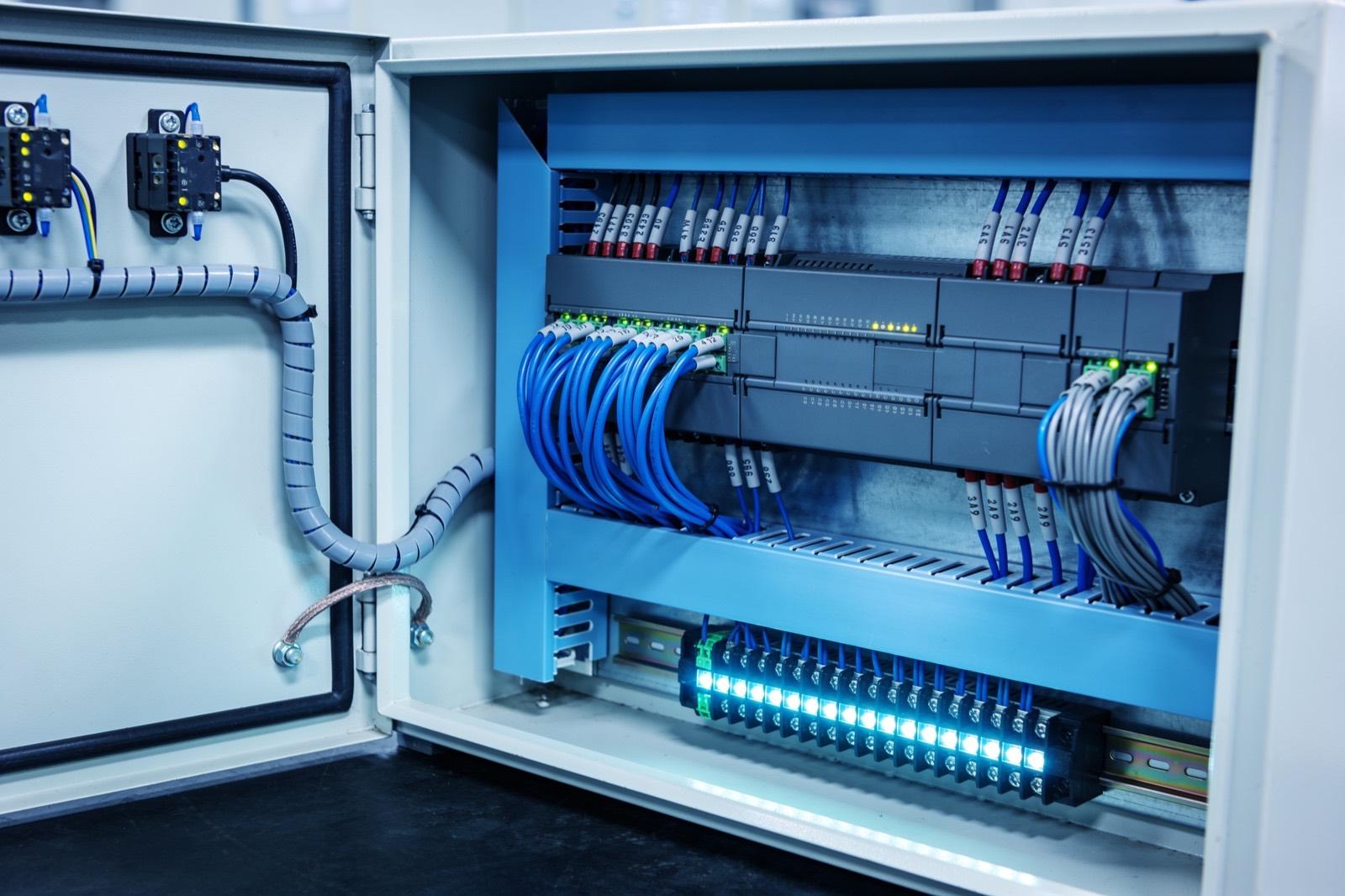 Industrial Automation
How the work gets done
The same way every time: scope, build, hand over.
The work spans UI engineered for touchscreens and interruptions — big targets, obvious state, no lost work on a reload — services that talk to PLCs and devices over OPC UA, Modbus, or serial, databases designed for both transactional integrity and time-series volume, and integrations with ERP, MES, and label or barcode systems. Reliability engineering is standard: local queues that survive outages, idempotent writes, watchdogs, and deployments that can happen between shifts without a maintenance window measured in days.
Successful industrial software disappears into the routine: operators use it without thinking about it, supervisors trust its numbers, and IT can update it without ceremony. We measure by adoption and by what it retires — the spreadsheet nobody opens anymore, the paper traveler that stopped printing — and we hand over documented, maintainable code, because plant software routinely outlives the people who commissioned it.
Scoping starts on the floor, watching the current tool in use across a shift. We note the workarounds — the sticky notes on the monitor, the second spreadsheet kept because the first cannot be trusted, the step everyone skips — because those are the real requirements. From that we write a functional specification covering screens, data, integrations, and failure behavior, and review it with operators and supervisors as well as management. We also inventory what the software must talk to and confirm each interface actually works before it is designed around, since an ERP API that exists on paper is a common surprise.
Industrial software fails in specific ways: database locks at shift change, entries lost when the network blips, a version deployed to one station but not another, reports that drift from the PLC's counts. We design against each with local-first storage, idempotent sync, scripted deployments that update every station identically, and reconciliation checks against machine counts. Operator software never takes on safety functions — anything that stops a machine to protect a person stays in safety-rated hardware. Rollout is typically one station or cell first, with the old tool running in parallel, and handover includes source, deployment scripts, a runbook, and training for whoever will support it.
Scope it in writing
What we agree before work starts
- Requirements built from floor observation, not just office interviews
- Custom application with touch-first, interruption-tolerant UI
Build with checkpoints
Working results, not slide decks
- Machine and business-system integrations: OPC UA, Modbus, ERP APIs
- Resilience layer: offline tolerance, idempotent sync, watchdogs
Hand over something you own
Documentation, source, and training
- Documentation and handover for long-term maintainability
- Source code, automated deployment scripts, and operations runbook in your repository
Sound familiar?
Where industrial software development earns its keep.
A scheduling spreadsheet with fifteen years of macros and one person who understands it
Paper travelers that get lost between departments twice a week
An operator interface that requires a mouse in a gloves-required area
A quality database that locks up when two people enter results at once
Ask about Industrial Software Development
Describe the problem. Get a straight answer.
One line is enough. An engineer replies within a business day.
Related work
Radar centering system for steel mills
Components:
- Radar sensors (strip position): Non-contact radar reading strip edge position in a hot, dusty, vibrating environment where optical sensors fail.
- Edge controller (signal processing): Turns raw radar returns into a clean lateral offset in real time.
- Mill PLC (centering actuators): The mill's existing controller: receives the offset and drives the centering actuators.
- Operator HMI (live position): Live strip position for the operator.
Connections:
- Radar sensors to Edge controller (raw returns)
- Edge controller to Mill PLC (offset)
- Edge controller to Operator HMI
A steel-mill systems provider · Steel manufacturing
Radar-based centering system for steel mills
End-to-end engineering of a radar sensing system that measures and centers material on steel mill lines — from equipment assessment through hardware selection, electrical engineering, software, installation, and commissioning.
Read the case study →Common questions
Asked before every industrial software development project.
Why custom software instead of an off-the-shelf MES?
Sometimes you should not go custom — a full MES need is often better met by a product, and we say so. Custom wins when your process does not fit the template, when you need a tenth of an MES at a tenth of the cost, or when the software must wrap around existing systems rather than replace them.
What happens when the network or server goes down mid-shift?
The floor keeps working. We design critical stations to run against local storage and sync when connectivity returns, with idempotent writes so nothing duplicates. The failure modes get decided in design review with your team, not discovered during the first outage.
Who maintains it after you leave?
Whoever you choose — that is the point of building maintainably. We deliver documented code in mainstream technologies, with deployment automated and dependencies current. You can keep us on for enhancements, but the deliverable is designed so that is a choice, not a dependency.
How do you handle updates without disrupting production?
Deployments are scripted and scheduled between shifts, with the previous version kept ready to roll back. Stations are designed to keep working from local storage during an update, and database changes are written to be backward-compatible so old and new versions can coexist briefly. Larger changes get a pilot station first. The goal is an update that operators do not notice, and we design the deployment path from the start rather than at the end.
Can the software run on our existing plant hardware and network?
Often, yes. Web-based applications run on ordinary industrial panel PCs or ruggedized tablets, and the server side can live on an existing plant server, a virtual machine, or a small on-premises box. We check touchscreens, browsers, and network paths during scoping, and where existing hardware is genuinely too old or unreliable, we say so and specify replacements — typically commodity industrial hardware rather than anything proprietary.

Where this sits
Industrial Software Development, inside a industrial automation system.
The lit component is the part of the system this service delivers; the rest is what it has to work with.
Hover or focus a component to see what it is and what it talks to. Arrow keys move between them.
Sensors and machines report into the PLC; the PLC drives the HMI and publishes tags to a historian; the historian feeds dashboards and, where it exists, the MES.
Components:
- Machine (press, cell, line): The equipment itself. Newer machines expose tags; older ones need a sensor or a serial tap.
- Sensors (counts, temps, current): Retrofit sensors where the machine offers nothing: proximity counts, current transformers, temperature.
- PLC (control): The controller: logic, safety, and the tag table everything else reads.
- HMI (operator): Operator screen at the machine.
- Historian (tag store): Time-series store of PLC tags: uptime, counts, faults, cycle times.
- Dashboards (OEE, downtime): Plant TV and office views: OEE, downtime reasons, shift comparison.
- MES / ERP (orders): Work orders down, production counts up.
Connections:
- Sensors to PLC over 4-20mA
- Machine to PLC over EtherNet/IP
- PLC to HMI over EtherNet/IP
- PLC to Historian over OPC-UA
- Historian to Dashboards over REST
- Historian to MES / ERP over REST, both directions
Strategy. Software. Systems.
Have a system that should exist?
Tell us what your operation is doing manually, what isn't connected, or what you're trying to build. We'll tell you plainly whether and how we can help.