
Make your business systems talk to each other without brittle point-to-point glue
Software integration connects the applications your business already runs on — ERP, MES, CRM, ecommerce, scheduling, homegrown tools — so data moves between them automatically instead of through re-keying, CSV exports, and end-of-month reconciliation. The problem it removes is the swivel-chair work and the errors that come with it: orders typed twice, inventory counts that disagree, reports built from stale spreadsheets.
Willowark starts by mapping the actual data flows: which system owns each record, what triggers a change, and where the truth is supposed to live. We integrate read-only first wherever possible, proving the pipeline against live data before anything writes back. Then we build the connection with the least machinery that will survive contact with production — sometimes a direct API sync, sometimes a message broker in the middle.
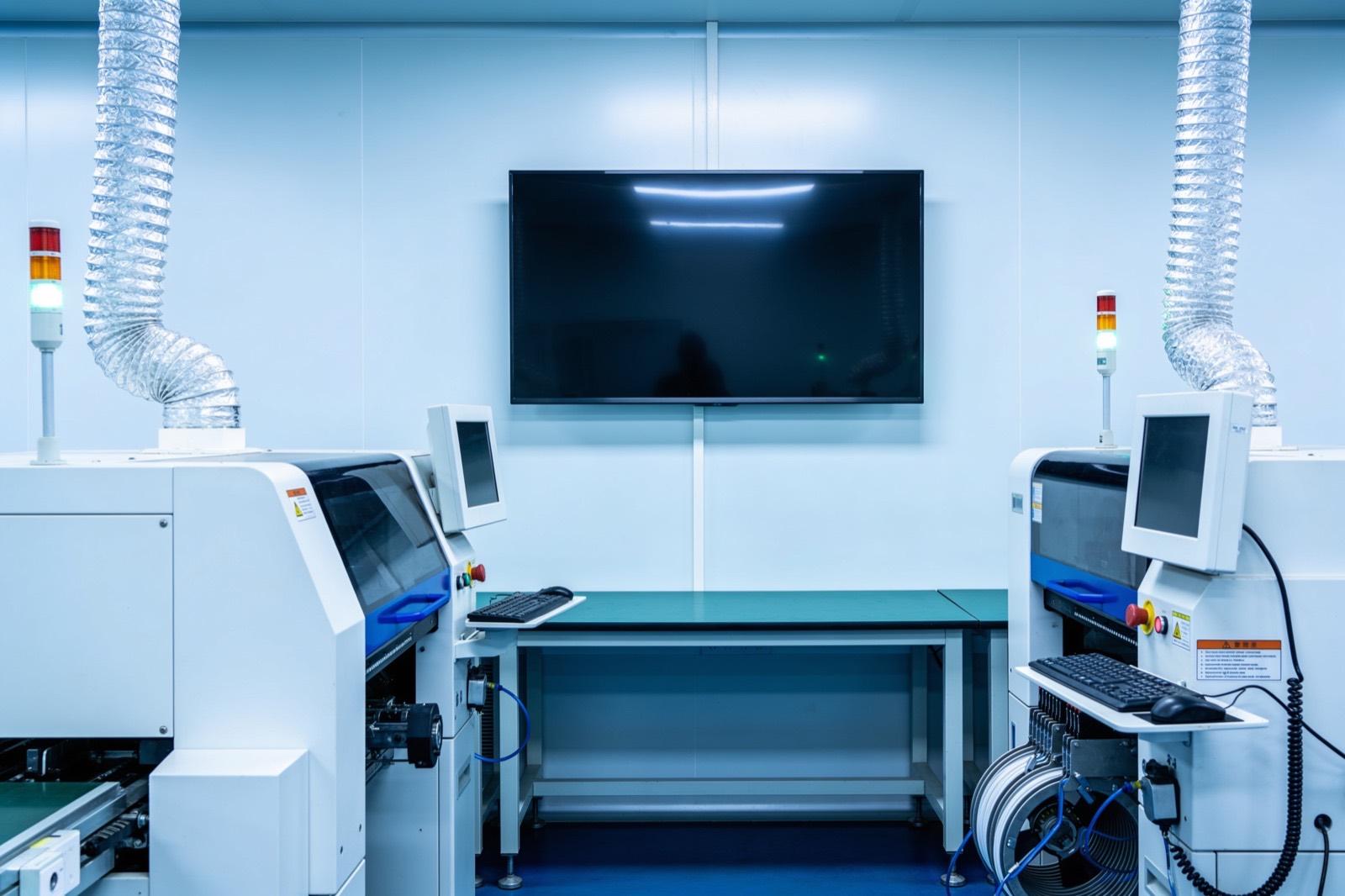 Systems Integration
How the work gets done
The same way every time: scope, build, hand over.
The work involves REST and GraphQL APIs, webhooks, and vendor SDKs on the friendly end, and ODBC connections, file drops, and screen-level automation on systems that never expected to be integrated. For anything beyond two systems we usually introduce a queue — RabbitMQ, NATS, or a cloud equivalent — so producers and consumers fail independently. Every sync gets idempotency keys, retry logic with backoff, and a dead-letter path, because the interesting engineering is not the happy path; it is what happens when the ERP is down for maintenance at 2 a.m.
In production, a good integration is boring. Records appear in the target system within an agreed latency, a dashboard shows queue depth and last-successful-sync per connection, and failures page someone with enough context to act. Success is measured in manual entry hours eliminated, reconciliation discrepancies trending to zero, and the number of times nobody had to think about it this quarter.
Discovery produces the integration map before any code is written: every system in scope, the records that flow between them, the direction of each flow, and who owns each side. That map is where the awkward questions surface — which system is authoritative for a customer address, what happens to an order edited after it has been synced, who gets paged when a nightly job fails. We settle those on a whiteboard with your team, not in a code review later. Where a vendor is protective, we integrate only at interfaces they document and support, and record the exact surface we use so nobody has to guess later.
Cutover is phased rather than flipped. Each interface is tested in isolation against a staging copy or a sandbox tenant, then run in shadow mode beside the existing manual process so discrepancies can be reconciled before anyone depends on it. Write-backs are enabled one flow at a time, usually starting with the lowest-stakes record type, and every step has a rollback that returns the systems to their previous state without data loss. When the last flow goes live you receive the integration map updated as-built, with each connection's owner, contact, and failure procedure listed beside it.
Scope it in writing
What we agree before work starts
- Data flow and system-of-record map covering every integrated application
- Integration services with retry, idempotency, and dead-letter handling
Build with checkpoints
Working results, not slide decks
- Field-level schema mapping documentation between systems
- Monitoring dashboard with per-connection health and sync latency
Hand over something you own
Documentation, source, and training
- Runbook for common failure modes and recovery procedures
- Phased cutover plan with per-flow rollback procedures and interface contract tests
Sound familiar?
Where software integration earns its keep.
An ERP and a quoting tool that disagree on pricing because updates are copied by hand
A shop-floor MES that needs work orders from an ERP the vendor no longer customizes
An ecommerce storefront whose inventory lags the warehouse system by a day
Three departments maintaining three customer lists that were supposed to be one
Ask about Software Integration
Describe the problem. Get a straight answer.
One line is enough. An engineer replies within a business day.
Related work
Radar centering system for steel mills
Components:
- Radar sensors (strip position): Non-contact radar reading strip edge position in a hot, dusty, vibrating environment where optical sensors fail.
- Edge controller (signal processing): Turns raw radar returns into a clean lateral offset in real time.
- Mill PLC (centering actuators): The mill's existing controller: receives the offset and drives the centering actuators.
- Operator HMI (live position): Live strip position for the operator.
Connections:
- Radar sensors to Edge controller (raw returns)
- Edge controller to Mill PLC (offset)
- Edge controller to Operator HMI
A steel-mill systems provider · Steel manufacturing
Radar-based centering system for steel mills
End-to-end engineering of a radar sensing system that measures and centers material on steel mill lines — from equipment assessment through hardware selection, electrical engineering, software, installation, and commissioning.
Read the case study →Common questions
Asked before every software integration project.
Our ERP vendor says integration voids support. Can you still connect to it?
Usually yes, without touching anything the vendor supports. Most systems expose sanctioned surfaces — APIs, database read replicas, scheduled exports — and we prefer those. Where none exist, read-only access against a replica keeps the production system untouched, and we document exactly what we access so support conversations stay simple.
Should we buy an iPaaS platform instead of custom integration?
If your systems are all mainstream SaaS with prebuilt connectors, an iPaaS may be the right answer, and we will tell you so. Custom work earns its keep when one side is industrial equipment, a legacy database, or a homegrown application no platform has a connector for. Many of our builds are hybrids: an iPaaS for the easy connections, custom services for the hard ones.
What happens to the integration when one of our systems gets upgraded?
We design against explicit interface contracts, so an upgrade breaks loudly at the boundary instead of corrupting data silently. Each integration ships with tests that validate the contract, which you can run against a staging copy of the upgraded system before cutover. We also offer ongoing support agreements if you want us on call for those events.
How long does a typical software integration take?
It depends on the number of systems and how cooperative their interfaces are. A two-system sync over documented APIs is typically a few weeks including shadow-mode validation; a multi-system build with a queue, a legacy database, and write-backs in several directions is usually a few months. Discovery comes first and produces a scoped estimate, so you know which of those you are looking at before committing to the build.
Who maintains the integration after you deliver it?
That is your choice, and we design for either answer. You receive the source code, tests, monitoring, and a runbook written for engineers who were not on the project, so your team can own it outright. If you would rather not staff that, we offer support arrangements where we monitor the connections, respond to failures, and handle upgrades on either side. Some teams start with support and take it in-house once the integration has proven quiet.

Where this sits
Software Integration, inside a systems integration system.
The lit component is the part of the system this service delivers; the rest is what it has to work with.
Hover or focus a component to see what it is and what it talks to. Arrow keys move between them.
A legacy machine, an ERP, a vision cell and a quality database are joined by an integration layer so the data exists once and the people who need it see it.
Components:
- Legacy machine (serial): A 1998 controller with an RS-232 port and no documentation.
- ERP: Orders, inventory, costing.
- Vision cell: Inspection results per part.
- Integration layer (the seam): Translates, validates, and stores once. This is the work.
- Unified data: One record per part, per order, per event.
- People (dashboards, alerts): Production, quality and the office see the same numbers.
Connections:
- Legacy machine to Integration layer over serial
- ERP to Integration layer over REST, both directions
- Vision cell to Integration layer over REST
- Integration layer to Unified data over SQL
- Unified data to People over REST
Strategy. Software. Systems.
Have a system that should exist?
Tell us what your operation is doing manually, what isn't connected, or what you're trying to build. We'll tell you plainly whether and how we can help.