
Bridge the gap between physical equipment and the software that needs its data
Hardware/software integration is the discipline of making physical devices — PLCs, sensors, instruments, cameras, motion controllers — and application software behave as one system. The problem it removes is the gap where most industrial projects stall: the equipment works, the software works, and the two exchange nothing but hope.
Willowark works both sides of that boundary. We read electrical drawings and vendor register maps as comfortably as API documentation, so we can decide where each responsibility belongs: what runs in the controller, what runs in a service beside it, and what the application layer should never have to know about timing or signal noise.
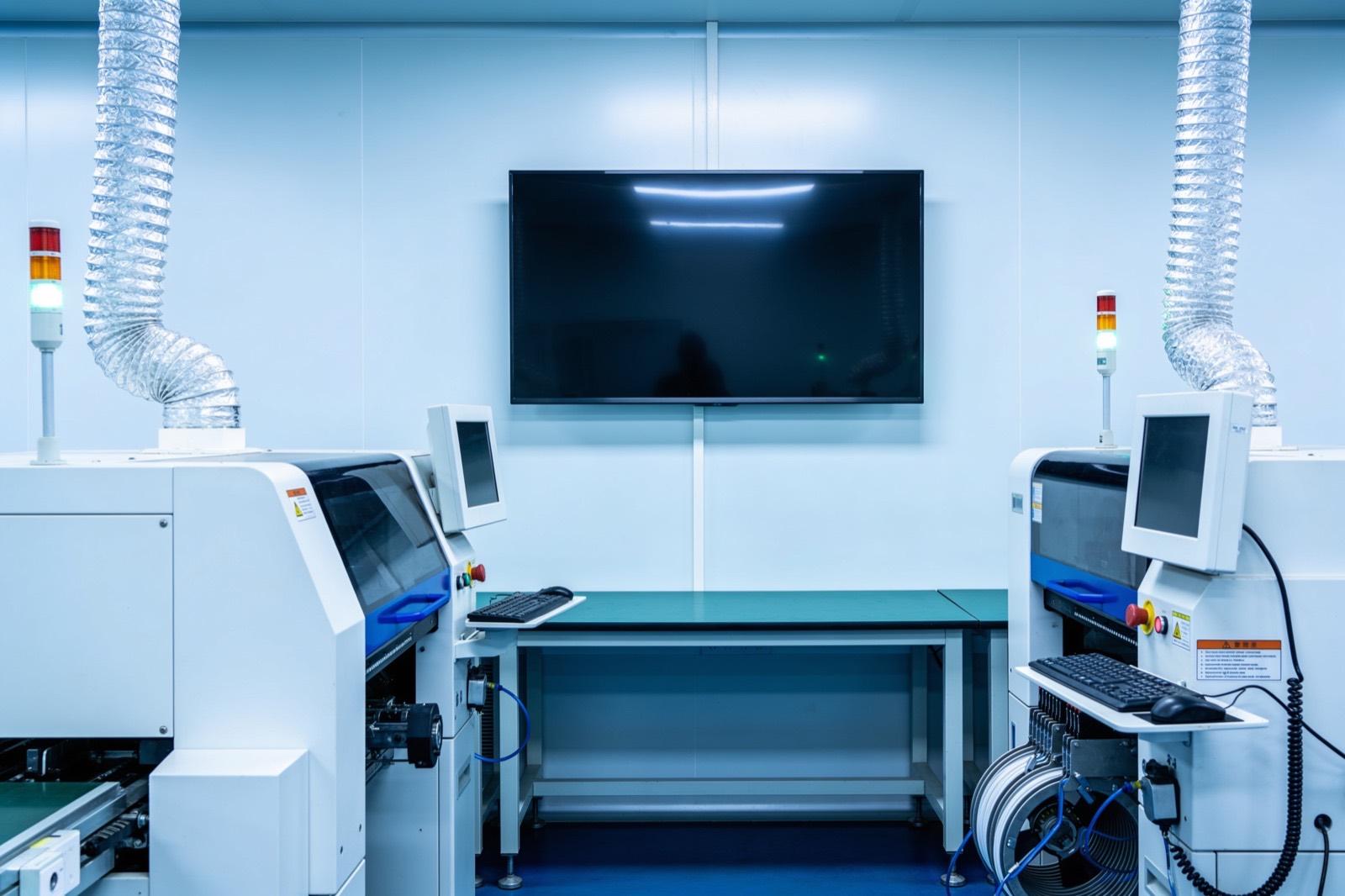 Systems Integration
How the work gets done
The same way every time: scope, build, hand over.
The build typically involves device communication first — polling a PLC over EtherNet/IP or Modbus TCP, streaming from an instrument over SCPI or a vendor DLL, handling a USB device whose only documentation is a Windows sample app from 2011. Above that sits an abstraction layer that turns raw registers and voltages into typed, timestamped, unit-carrying values. We are deliberate about failure semantics: what the software shows when a sensor drops out, how long stale data is trusted, and whether the hardware needs a watchdog to fail safe when the software goes quiet.
In production the seams disappear. Operators see one interface; maintenance sees one log stream with hardware and software events correlated on a shared clock. We measure success by round-trip determinism where it matters — a command issued and confirmed within its deadline — and by how rarely anyone has to power-cycle something to make the system honest again.
Discovery here is about the boundary. We walk the equipment with your controls and maintenance people, pull the electrical drawings and register maps, and produce an interface map: every signal, register, message, and physical connection that will cross between hardware and software, with the owner of each side named. When a device vendor or controls integrator is protective of their side, we integrate strictly at the interfaces they document — tags, handshake bits, published registers — and never reach around them into logic we do not own. That discipline keeps warranties intact and keeps responsibility clear when something later misbehaves.
Testing happens one interface at a time, on the bench before the floor. Each signal path is exercised with simulated inputs and known values — a forced register, a signal generator on a sensor input — and the software's response is checked against the interface control document before the two halves are joined. Commissioning is phased: hardware runs under its existing control while the software observes, then software takes on non-critical duties, then the full system, with a documented way back at each step. The as-built package records every connection, its physical location, and who to call about it.
Scope it in writing
What we agree before work starts
- Interface control document defining every signal, register, and message crossing the boundary
- Device communication layer with reconnection and stale-data handling
Build with checkpoints
Working results, not slide decks
- Application software or services consuming the hardware abstraction
- Bench validation report against the agreed timing and accuracy requirements
Hand over something you own
Documentation, source, and training
- Commissioning support and as-built documentation
- Phased commissioning plan with per-interface test procedures and rollback steps
Sound familiar?
Where hardware/software integration earns its keep.
A torque tool whose results must land in the quality database before the operator can pass the part
A lab instrument with a vendor DLL that needs to feed a modern web dashboard
A custom machine where the PLC handles safety but recipes and reporting belong in software
A weigh scale on RS-232 that should populate the shipping system automatically
Ask about Hardware/Software Integration
Describe the problem. Get a straight answer.
One line is enough. An engineer replies within a business day.
Related work
Radar centering system for steel mills
Components:
- Radar sensors (strip position): Non-contact radar reading strip edge position in a hot, dusty, vibrating environment where optical sensors fail.
- Edge controller (signal processing): Turns raw radar returns into a clean lateral offset in real time.
- Mill PLC (centering actuators): The mill's existing controller: receives the offset and drives the centering actuators.
- Operator HMI (live position): Live strip position for the operator.
Connections:
- Radar sensors to Edge controller (raw returns)
- Edge controller to Mill PLC (offset)
- Edge controller to Operator HMI
A steel-mill systems provider · Steel manufacturing
Radar-based centering system for steel mills
End-to-end engineering of a radar sensing system that measures and centers material on steel mill lines — from equipment assessment through hardware selection, electrical engineering, software, installation, and commissioning.
Read the case study →Common questions
Asked before every hardware/software integration project.
Our controls integrator handles the PLC side. Where do you fit?
We work alongside controls integrators regularly, and the split is usually clean: they own ladder logic and safety, we own everything from the controller tags upward — services, databases, interfaces, and the contract between the two. Defining that contract early, in writing, is most of what makes these projects go smoothly.
Can you work with equipment whose vendor is gone or unresponsive?
Often, yes. Between serial port sniffing, network captures, and documentation for the underlying chipsets, most devices give up their protocol with patience. We scope a short investigation phase first, so you know the odds and the cost before committing to the full integration.
What about timing-critical behavior — can software keep up with the hardware?
That depends on the deadline, and it is a question we answer with measurement rather than assumption. Hard real-time loops stay in the controller or firmware; supervisory logic, data capture, and interfaces live in software. Early in a project we prototype the critical path and measure jitter under load so the architecture is chosen on evidence.
Do you supply the hardware, or do we?
Either works. We usually specify the hardware — gateways, industrial PCs, converters, I/O modules — and you purchase it through your normal channels, which keeps procurement and warranty in your name. For small quantities or prototypes we can source and bench-test it ourselves and hand it over configured. What we avoid is being the only party who knows what was bought and why, so the bill of materials and the reasoning behind each part ship with the documentation.
How do you handle safety-related functions?
Safety functions stay in the hardware and the safety-rated controls where they belong; we do not put an emergency stop, a light curtain response, or a guard interlock in application software. Our software may display safety status, log events, and require that safety conditions are satisfied before issuing commands, but it never becomes the thing that makes the machine safe. Where a project touches safety circuits at all, the controls integrator or your safety engineer owns that scope and signs off on it.

Where this sits
Hardware/Software Integration, inside a systems integration system.
The lit component is the part of the system this service delivers; the rest is what it has to work with.
Hover or focus a component to see what it is and what it talks to. Arrow keys move between them.
A legacy machine, an ERP, a vision cell and a quality database are joined by an integration layer so the data exists once and the people who need it see it.
Components:
- Legacy machine (serial): A 1998 controller with an RS-232 port and no documentation.
- ERP: Orders, inventory, costing.
- Vision cell: Inspection results per part.
- Integration layer (the seam): Translates, validates, and stores once. This is the work.
- Unified data: One record per part, per order, per event.
- People (dashboards, alerts): Production, quality and the office see the same numbers.
Connections:
- Legacy machine to Integration layer over serial
- ERP to Integration layer over REST, both directions
- Vision cell to Integration layer over REST
- Integration layer to Unified data over SQL
- Unified data to People over REST
Strategy. Software. Systems.
Have a system that should exist?
Tell us what your operation is doing manually, what isn't connected, or what you're trying to build. We'll tell you plainly whether and how we can help.